
What else to run on the Mac mini you bought for OpenClaw
You bought a Mac mini to keep an agent running. It's also a home server. Here is what's worth running next to OpenClaw: backups, Home Assistant, media, remote access, and apps that hold your own data.
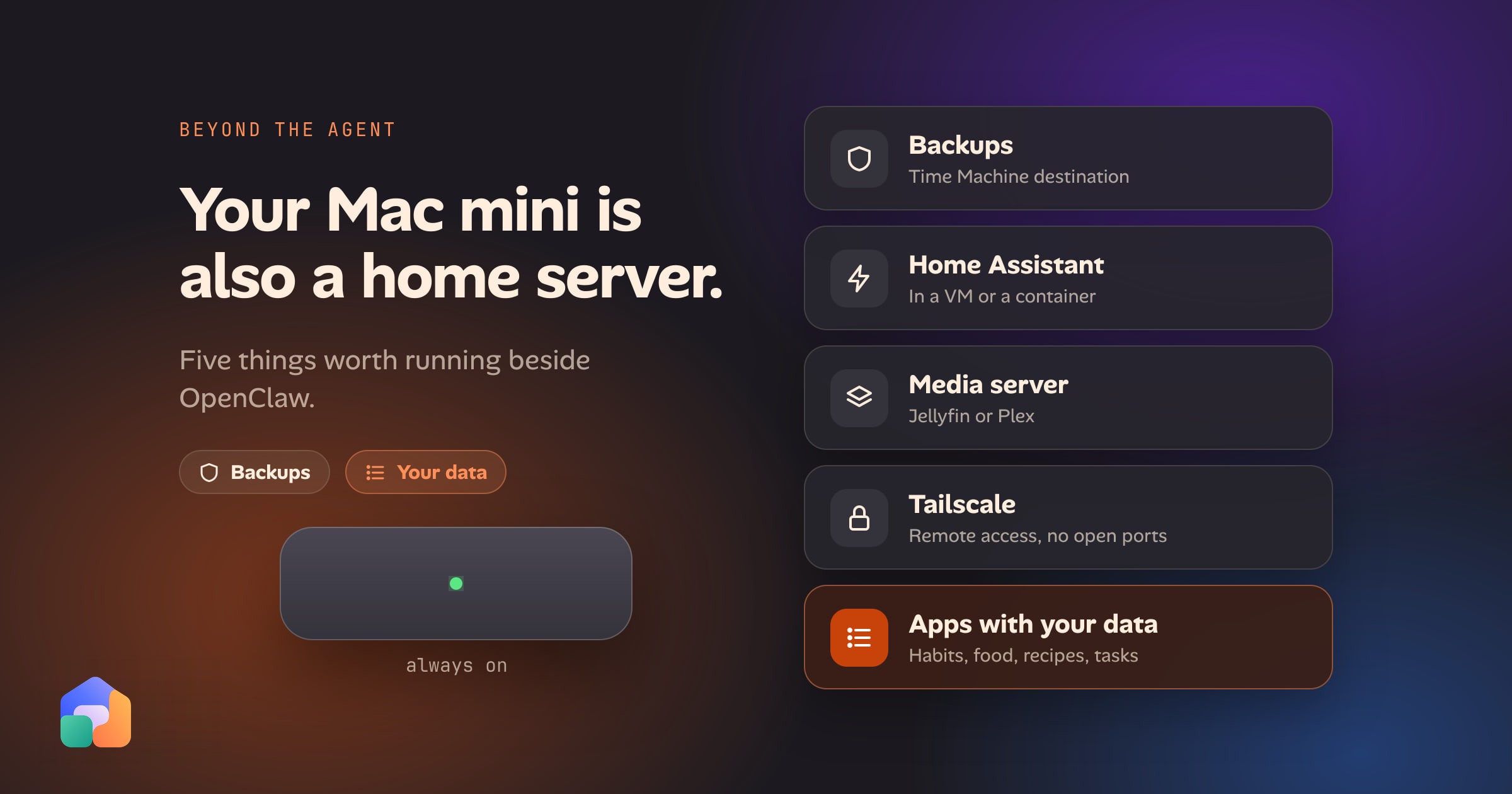
If you bought a Mac mini to run OpenClaw, you probably did it for the right reasons: it’s quiet, it sips power, and it’s built to sit on a shelf and stay on. Once the agent is installed and answering you in Telegram or iMessage, the next question is usually the same one. What now?
Search for it and you get hardware sellers and “25 use cases” lists, almost all of them about what the agent can do. Hardly anyone asks what else the machine could be doing. A Mac mini that is already on, already online and already yours is a home server, and a good one. OpenClaw uses a few gigabytes of it. The rest is free.
This is a fair list of what’s worth running beside it, what each one costs you in upkeep, and where an agent fits in.
The short answer
| What to run | Why it earns its place | The catch |
|---|---|---|
| Time Machine destination | Backs up every Mac in the house to a disk you own | Needs an external drive; the agent shouldn’t be able to read it |
| Home Assistant | The smart-home hub most people end up wanting | On macOS it runs in a VM or container, which limits device discovery |
| A media server (Jellyfin or Plex) | Your library on every screen | Disk space, and transcoding load if you stream away from home |
| Tailscale | Reach the Mac mini from your phone without opening a port | One more thing to keep signed in |
| Apps that hold your data | Habits, food, recipes, tasks that you own and can query | You have to actually use them |
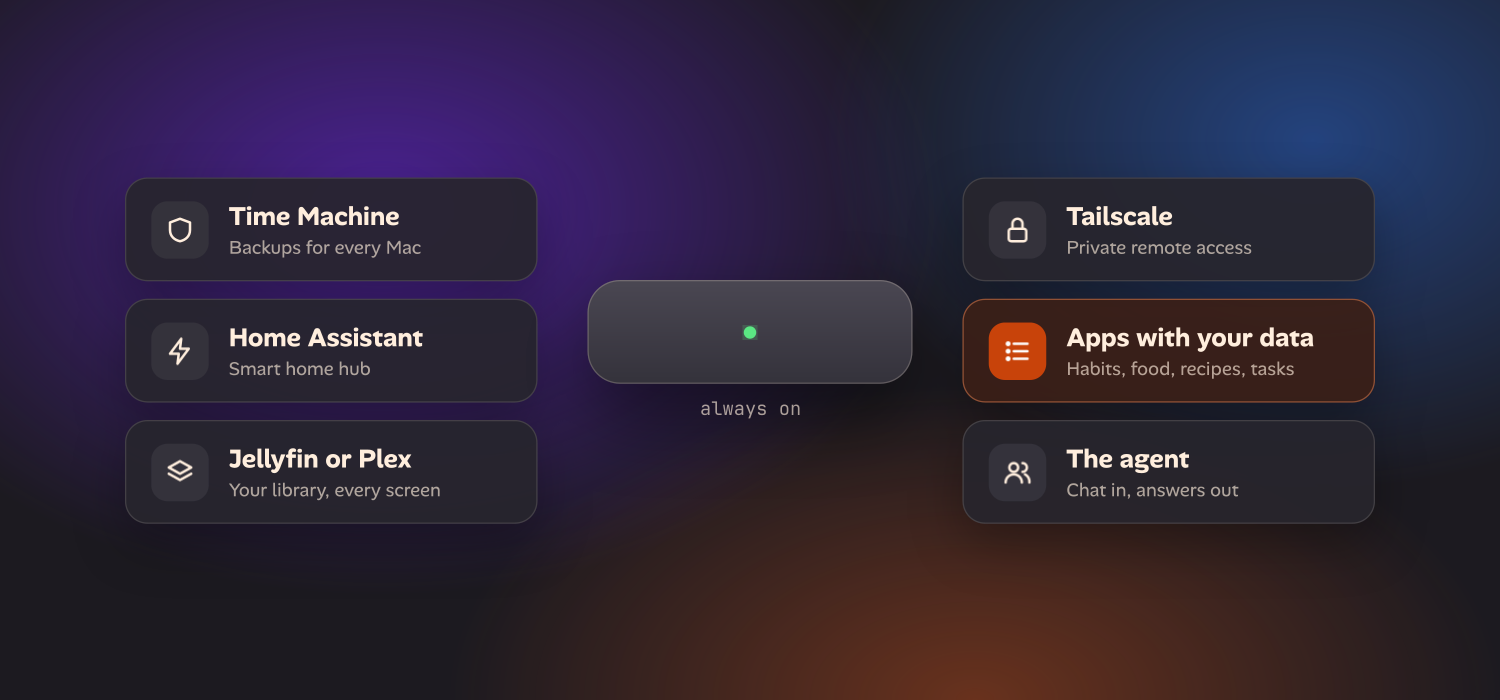
Keep it awake first
None of this works if the machine naps. Before you add anything, in System Settings open the Energy settings and turn on Prevent automatic sleeping when the display is off and Start up automatically after a power failure. Reserve a fixed address for the Mac mini in your router so it’s always at the same place on your network.
That’s most of what it takes to turn a Mac into a home server. What a computer needs to stay on and online is the same whether it’s a new Mac mini or an old laptop.
A backup target for the other Macs
The most useful boring job. macOS can share a folder as a Time Machine destination: in System Settings, General, Sharing, turn on File Sharing, add a folder, open its Advanced Options and tick Share as a Time Machine backup destination. Other Macs on the network then offer it as a backup disk. Apple documents the steps in Back up to a shared folder with Time Machine.
Put the backups on an external drive, not the Mac mini’s internal storage. It’s cheaper to replace and it keeps a failed Mac mini from taking the backups with it. And think about where your agent can read. If it has file access, a folder full of your family’s backups should not be inside it. Scope the agent to the folders it needs.
Home Assistant
If you have smart lights, plugs or sensors, Home Assistant is the standard answer, and it’s a natural thing to run on an always-on machine. The caveat is that Home Assistant’s preferred install is a whole operating system built for a dedicated device, not a Mac app.
On a Mac mini you have two realistic routes. Run Home Assistant OS in a virtual machine, which gives you add-ons and the full experience. Or run the Home Assistant container in Docker or OrbStack, which is lighter but has known limits: Docker’s host networking mode isn’t supported on Docker Desktop for Mac, and Home Assistant leans on it for finding devices on your network, so some integrations need manual setup. Neither is hard, but expect an afternoon, not a minute.
A media server
Jellyfin is free and open source; Plex is the polished and more commercial option. Both have macOS server apps and run well on Apple silicon. Point one at an external drive and your films, music and home videos show up on the TV, the phone and the laptop.
Be honest about the cost. Media eats disk faster than anything else here, and streaming to a phone away from home can mean transcoding, which is where a small machine feels it. If your library is large, budget for the drive before you start.
Tailscale, so you can reach it anywhere
This is the one that makes everything else usable from outside the house. Tailscale puts your phone, laptop and Mac mini on a private network, so you can open the Home Assistant dashboard or a self-hosted app from anywhere without forwarding a port on your router. Nothing on the Mac mini is listening to the open internet.
A tunnel service such as Cloudflare Tunnel does something similar when you want to share something with people who aren’t on your private network. Either way, the rule that matters is the same: you don’t need to expose ports. The setup page compares the private and shareable options for the kind of apps below.
Apps that hold your own data
Here the list changes character. The first four are services: you set them up once and mostly forget them. This group is things you use every day, and that you’d miss if you lost them: a habit tracker, a food and calorie log, a recipe box, a grocery list, a training log, tasks.
There are good self-hosted ones. Mealie and Tandoor keep recipes, wger logs training, Grocy runs a household’s groceries and chores, and Vikunja handles tasks. Each is a legitimate project with its own community. What they have in common is that your data sits in a real database, with real fields and a history, on a machine you own.
That is more than a convenience. It’s what makes the next section work.
Why an agent works better with structured data
An agent on a Mac mini, such as OpenClaw, sits between your chat apps and a model. By its own description, OpenClaw is a self-hosted gateway that connects the messaging apps you already use to an AI agent, running on your own hardware. That is a good shape for conversation: you message it, it answers, it can reach tools.
If you’re still choosing an agent, there is a separate comparison of OpenClaw with Claude Code and Codex on where each runs, billing, security and memory.
What it works on is a separate question. Ask a chat agent “how much protein did I eat this week?” and it can only answer from whatever it was told in conversation or wrote in its own notes. It has no food log to look up. Ask it to plan next week’s dinners around your training days and it has no training days. A transcript is not a database, and a pile of notes in a folder is a poor stand-in for one: no units, no dates you can filter on, no way to tell a typo from a fact.
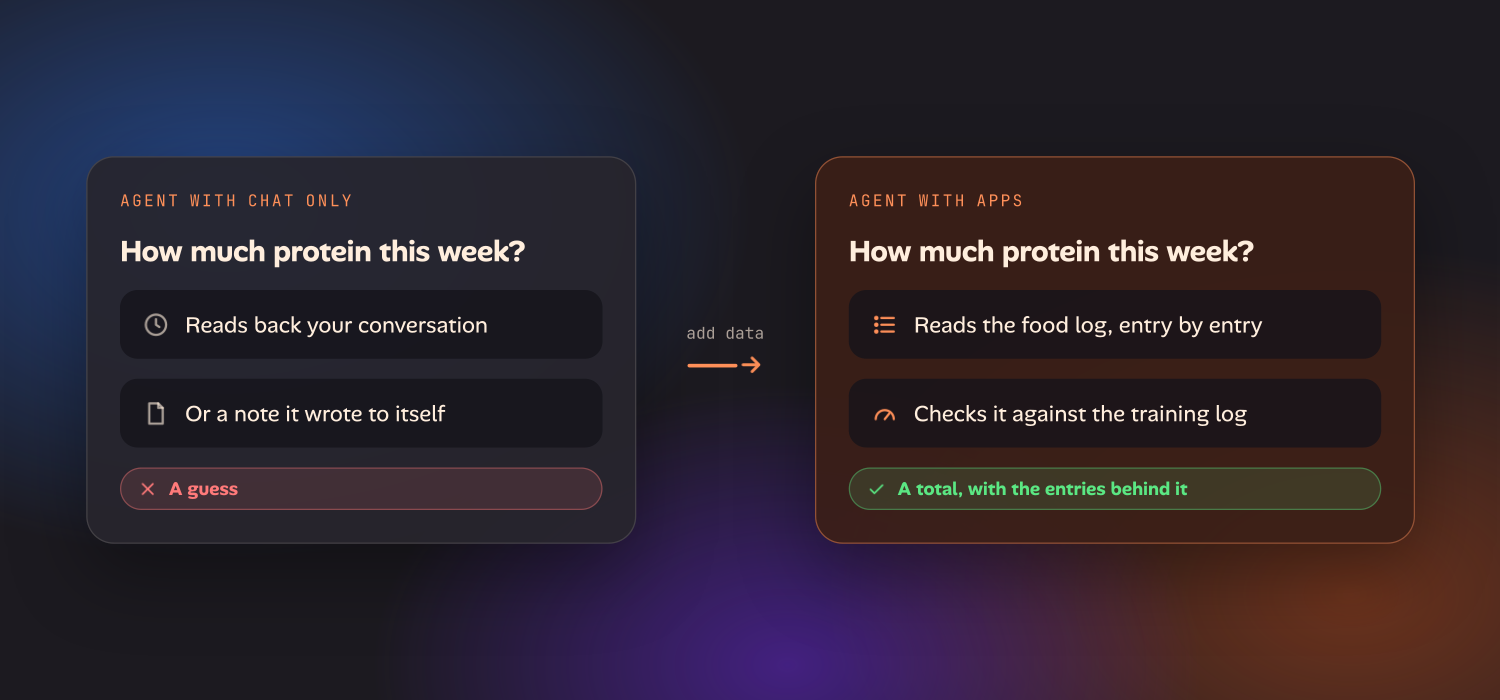
Give the same agent structured data and the question changes. It can read the food log and add it up. It can add today’s workout to the training log. It can move something on your task list, and you can see that it did. The model is the same; what it has to act on is better. Much of the improvement comes from what the agent has to work on, not from a cleverer prompt.
Giving the agent something to work on
The apps in the section above are what turn a Mac mini that runs an agent into one that runs a household. If you already run an agent on one, Oikou gives it real apps to work with.
A sensible order
If you’re setting this up this weekend:
- Stop it sleeping, and give it a fixed address.
- Install Tailscale, so everything after this is reachable from your phone.
- Add the backup destination, on an external drive.
- Add one app you’ll use every day. One, not five.
- Add Home Assistant or a media server only when you have the devices or the library to justify them.
OpenClaw’s 2.0 release (v2026.8.1, announced on 30 August 2026) made it faster to install and set up, so the agent is the quick part. The machine around it is where the time goes, and where it pays off.
Questions
- What else can I run on the Mac mini I bought for OpenClaw?
- Anything a home server runs. The useful list is a Time Machine backup destination for the other Macs in the house, Home Assistant for the smart home (in a virtual machine or a container), a media server such as Jellyfin or Plex, Tailscale for private remote access, and apps that keep your own data, such as habits, a food log, recipes and tasks. The last group matters most for an agent, because it gives the agent something structured to read and change.
- Can a Mac mini run OpenClaw and a home server at the same time?
- Yes. Setup guides for OpenClaw describe it using a few gigabytes of memory, and a recent Mac mini has room for backups, a media server and a handful of self-hosted apps beside it. The practical limits are disk space for media and backups, and the fact that every service you add is something to keep updated and to keep off the open internet.
- How do I keep a Mac mini awake as a server?
- In System Settings, under Energy, turn on the option to prevent automatic sleeping when the display is off and the option to start up automatically after a power failure. Give the machine a fixed address or reserved lease on your router so other devices can find it, and turn on File Sharing or Remote Login only for what you actually use.
- Should I open ports on my router to reach my Mac mini from outside?
- No, you don't need to. A private network such as Tailscale, or a tunnel such as Cloudflare Tunnel, lets your phone reach the Mac mini without forwarding any ports, so nothing on it is listening to the open internet.