
Make a weekly meal plan and grocery list with ChatGPT or Claude
Copy-paste prompts for a week of dinners and an aisle-sorted grocery list in ChatGPT or Claude, what chat forgets, and the planners and self-hosted apps that fix it.
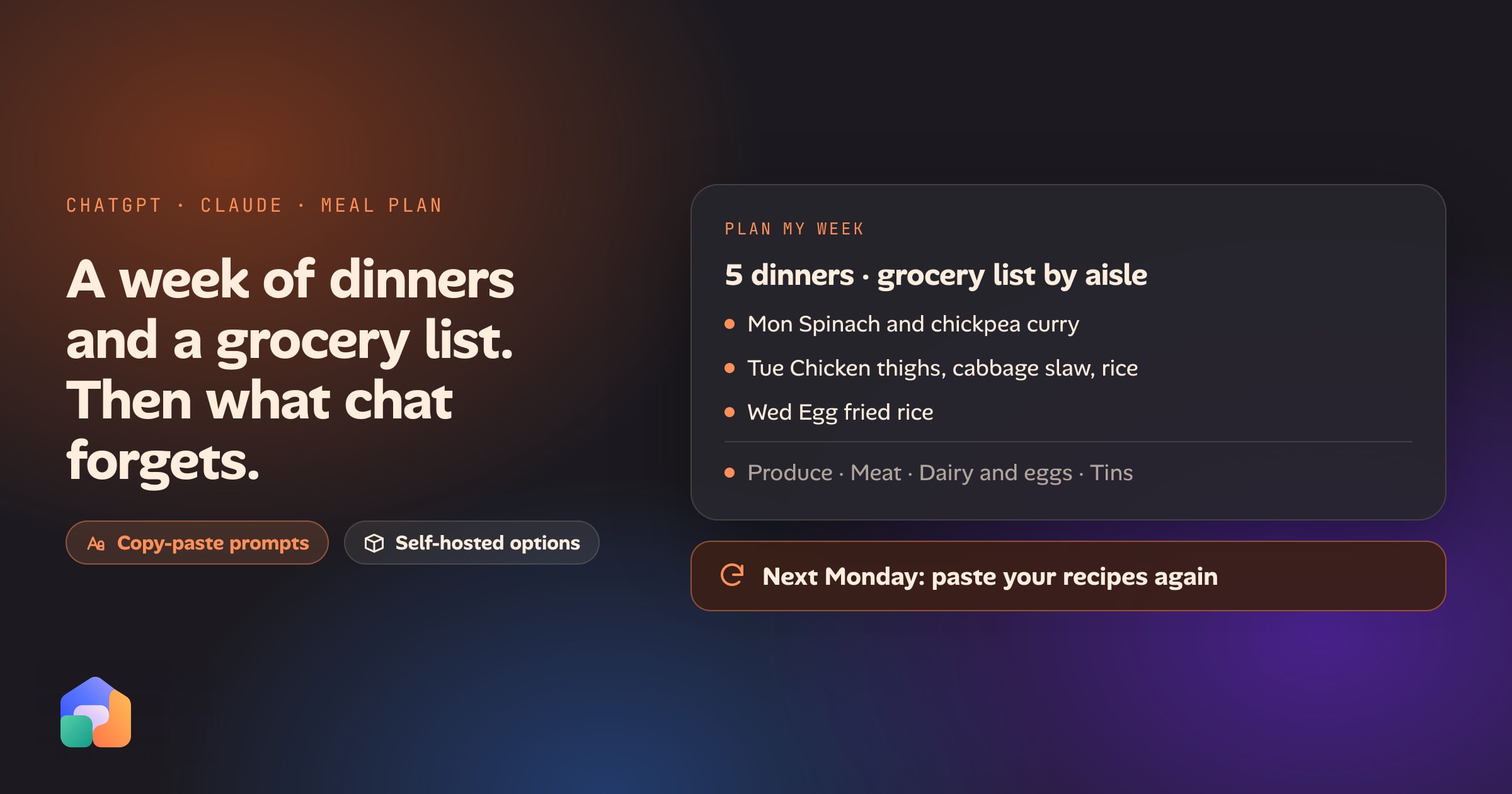
A week of dinners and a shopping list is close to the ideal job for a chat assistant. It is a thinking job with a clear output, and both ChatGPT and Claude do it well on the first try. This post gives you the prompts, then covers the part nobody mentions until the third week: chat forgets your recipes, can’t share the list with the person you shop with, and makes you start again every Monday. After that come the fixes, including the ones that aren’t ours.
Prompt 1: plan a week from what’s in the fridge
The more you tell it, the less you edit. Say who is eating, how many nights, how long you’ll spend, and what is off the table. Then list what you already have, so it plans around the food that’s about to go off.
Plan 5 dinners for 2 adults, Monday to Friday. Each should take 40 minutes or
less. We don't eat mushrooms or shellfish. Use these first, because they need
using up: a bag of spinach, 6 eggs, half a cabbage, chicken thighs (frozen),
a tin of chickpeas. Assume I have oil, salt, pepper, rice, pasta and basic
spices. Vary the cuisines. For each dinner give me a one-line description and
the main ingredients, not the full recipe yet.
Asking for a one-line description first lets you swap a dinner you don’t fancy before it writes the method. When you’re happy, ask for the recipes: “Give me the full recipes for nights 1, 2 and 4.”
Prompt 2: turn the plan into a grocery list, merged by aisle
This is where chat saves time. Eight recipes mention onion, and a good list says “onions: 4” once.
Turn the 5 dinners above into one grocery list. Merge duplicate ingredients
and add up the quantities. Subtract what I said I already have. Group the list
by aisle: produce, meat and fish, dairy and eggs, tins and dry goods, bakery,
frozen, other. Put quantities in metric. Flag anything I'd only need a small
amount of, so I can check the cupboard before buying it.
Check the arithmetic on anything that matters. Assistants are good at merging ingredient lists and occasionally wrong about quantities, especially when two recipes use different units for the same thing (a cup of one, 200 grams of the other). Ask it to show the per-recipe amounts next to the total if you want to verify them in ten seconds.
Prompt 3: scale it for your household
Recipes written for four are rarely what you cook for. The prompt is short, but it matters to say what you want to happen to the odd amounts.
We're cooking for 3 adults and 1 child who eats about half a portion. Scale
the plan and the grocery list from 2 to that. Round up to amounts you can
actually buy (a whole tin, a whole bunch), and tell me what that leaves over so
I can use it later in the week.
The “what that leaves over” line is the cheapest way to cut waste, because you get a prompt for the next dinner for free.
Save the house rules once
Typing “no mushrooms, 40 minutes, metric” every week is the first irritation. Put it somewhere permanent:
- In ChatGPT, use custom instructions, or a Project with instructions.
- In Claude, use a Project with instructions, or your profile preferences.
Write the rules once (household size, foods you avoid, the staples you always have, your units, your usual stores). The prompts above then shrink to “plan this week”.
What goes wrong
If you only ever plan one week, you can stop here. Most people who keep going hit the same three problems.
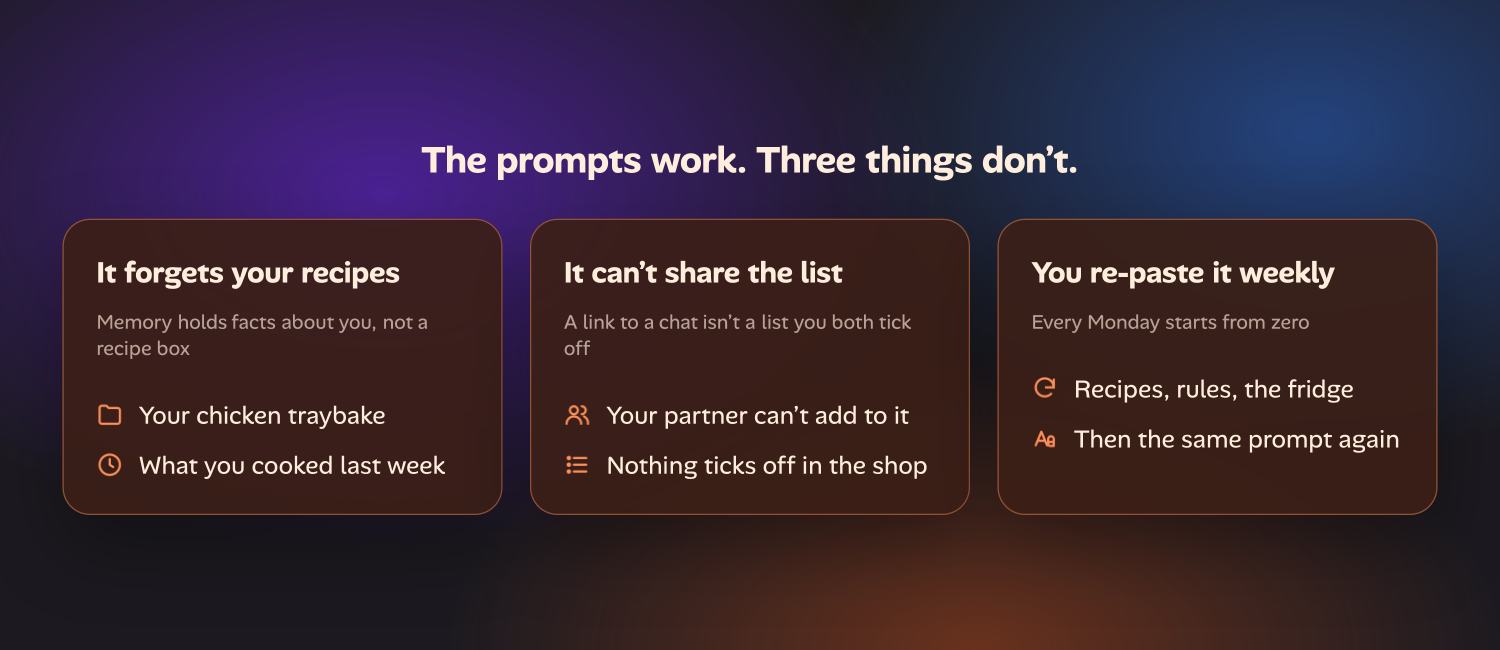
It forgets your recipes
A chat plans from what it was told today. It doesn’t have your recipe box. The chicken traybake your family asks for is not in its head, and neither is the note that you halve the chilli. Ask for “dinners we like” and you get generic dinners.
Both products have memory, but memory holds facts and preferences about you: you’re vegetarian, you cook for four. It isn’t a library of recipes, and it doesn’t know what you made last Tuesday. The same limit that stops chat working as a log is why it can’t be your recipe collection, and why chat plans replace the thinking part of an app but not the remembering part.
The workaround is a Project (in either product) with your recipes pasted or uploaded into it. That works for a dozen recipes. Past that you’re maintaining a document by hand, and the assistant is searching it rather than planning from a structure.
It can’t share the list
You plan the week, the list looks good, and then someone else does the shopping. What you can do is share a link to the conversation, copy the list into Notes or Reminders, or send a screenshot. None of those is a list you both use. When your partner picks up the milk, your copy doesn’t change, and they can’t add the thing they noticed was missing.
ChatGPT can hand the finished list to Instacart: it has had an Instacart app since December 2025 that builds a cart you check out in the chat. That’s useful if you shop with Instacart. It sends the list to a shop, though; it doesn’t make a list two people tick off.
You re-paste it every week
Each Monday starts from zero. You re-attach the recipes, repeat the rules if you didn’t save them, and say again what you’ve got in the fridge. Nothing carries over from last week’s plan, so you also can’t say “don’t repeat last week”, or “the leftover rice is still in the fridge”. The assistant is doing the same good job, and you are doing the filing.
Your options, fairly
There are four routes. They suit different people.
| Option | Good at | The catch |
|---|---|---|
| Chat with a Project | Ideas, one-off plans, using up what’s in the fridge, nothing to install | You keep the recipes and the list yourself; no shared list |
| A dedicated planner such as Plan to Eat or Mealime | Saved recipes, a calendar, a list that builds itself and syncs to your household’s phones | A subscription, or a free tier with limits; the AI part, if any, is theirs |
| A self-hosted recipe app: Mealie, Tandoor or KitchenOwl | Free and open source; your recipes live on your own machine | You run it (usually Docker), and update and back it up yourself |
| Oikou’s Recipes and Grocery | Recipes plans the week, Grocery holds the shared list, and your AI plan can work with both | Needs a computer that stays on; the apps are in the Catalogue’s launch set |
Dedicated planners
Plan to Eat is the one to look at if you want your recipes, a calendar and a list in one tidy app, and don’t want to run anything. You import recipes from any website (or snap a photo of a cookbook page), drop them on the calendar and it builds the shopping list. It syncs across your devices and your family’s. Mealime and Samsung Food are other well-known names. Check each one’s current plans, because the trade with any hosted planner is the same: you may pay or accept limits, and your recipe collection lives in their service.
Self-hosted: Mealie, Tandoor and KitchenOwl
If you want your recipes on your own hardware, these three are the open-source answers, and they are the best-known on the self-hosting side.
- Mealie imports a recipe from a URL, has a meal planner, and builds a shopping list from the recipes you’ve picked. You can sort the list by the sections of your local supermarket, and it supports several users and groups.
- Tandoor imports from many recipe sites, plans meals on a drag-and-drop calendar, and builds shopping lists that combine ingredients across recipes and add up quantities. Lists can be shared.
- KitchenOwl leans toward the list: a shared grocery list that syncs live between household members, recipes that add their ingredients to it, and mobile apps for iOS and Android for the shop itself.
All three are free, and all three ask you to run a server. If you’re comfortable with Docker, that’s an evening’s work and a good result. If you aren’t, it is the cost to weigh.
Oikou’s Recipes and Grocery
We build Oikou, so weigh this one accordingly. Oikou is a set of open-source web apps that run on a Mac or Linux computer you own, and its Catalogue at launch includes two for this job.
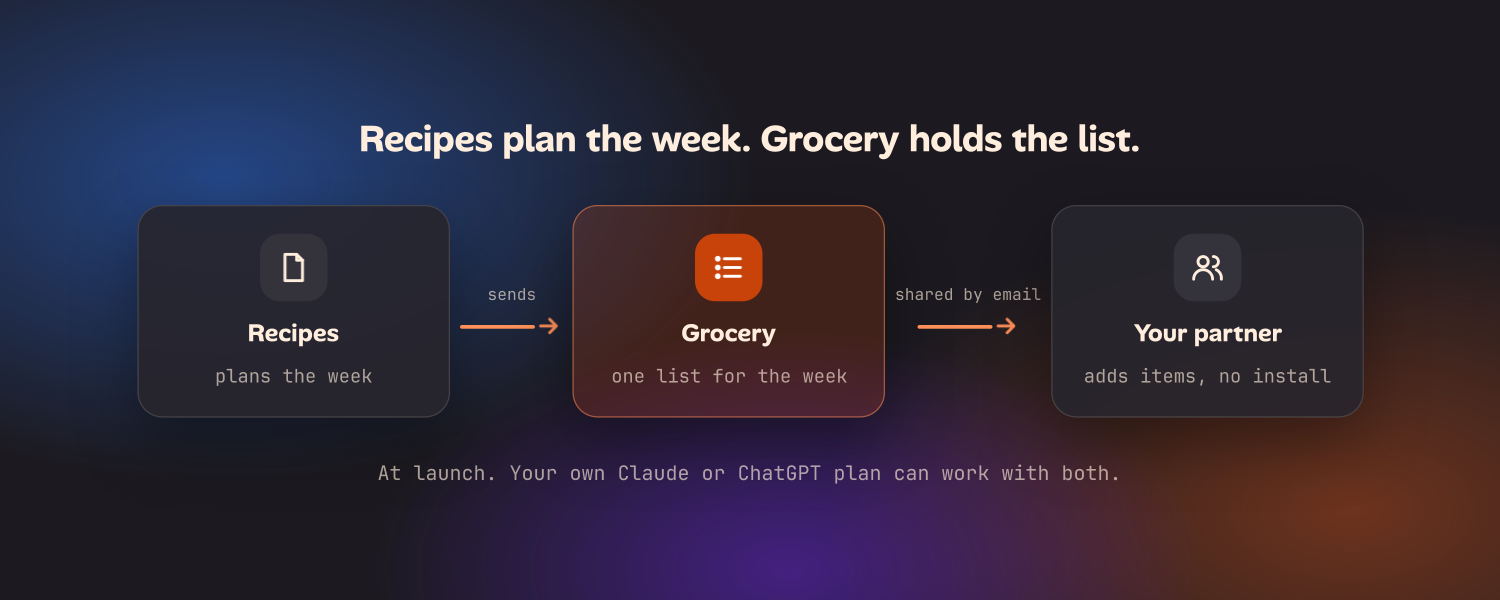
- Recipes plans the week’s meals and sends what you need to Grocery.
- Grocery keeps one list for the week, built from what you’re cooking.
Because the recipes live in an app, there is nothing to re-paste on Monday. Because the list is its own app, you can share it by email: your partner gets a link and a one-time code, installs nothing, makes no account, and sees only the Grocery list, where they can add items from their phone. (Sharing outside your own network needs a Cloudflare account and a domain, which Oikou’s setup walks you through.) And your own Claude or ChatGPT plan, with its usage limits, can work with both apps, so the “plan the week from what’s in the fridge” prompt above has real recipes to draw on.
Oikou needs a computer that stays on. If you already run Mealie or Tandoor and like it, you’ve solved this. The apps page lists the Catalogue’s launch set, and the page for people replacing subscriptions goes through which jobs an app like this takes over.
A routine that works whichever you pick
- Keep recipes somewhere that isn’t a chat. A planner, a self-hosted app, or at minimum one Project document you maintain.
- Use chat for the thinking: the fridge prompt, swapping a dinner, scaling a recipe, working out what to do with leftovers.
- Make the list live in something two people can open. That’s the step chat can’t do, and the one that matters at the shop.
- Write the house rules down once, so each week’s prompt is a sentence.
The prompts are the same everywhere. What changes between the options is where the recipes live and who can see the list.
Questions
- Can ChatGPT or Claude make a weekly meal plan and grocery list?
- Yes. Tell it who you're cooking for, how many nights, your time limit and what you won't eat, and either assistant returns a week of dinners and a shopping list grouped by aisle. Asking it to merge duplicate ingredients and subtract what you already have makes the list much shorter.
- How do I get ChatGPT to make a grocery list from my own recipes?
- Paste the recipes into the chat, or upload them to a Project, and ask for one combined list with duplicate ingredients merged and quantities added up. It works for a handful of recipes. It does not scale to a whole recipe box, because the recipes live in the conversation or the Project, not in a collection you can search and plan from.
- Why does ChatGPT forget my recipes between weeks?
- A new chat starts from your saved preferences, not from your recipes or from last week's plan. Memory in ChatGPT and Claude holds facts about you, such as that you are vegetarian, not a library of recipes or a record of what you cooked. You can work around it with a Project that holds your recipes, but you maintain that by hand.
- Can I share a ChatGPT grocery list with my partner?
- Not as a live list. You can send a link to the conversation or copy the list into a notes or reminders app, but your partner can't tick items off in the chat and see yours update. A shared grocery app, where both of you add and tick items, does that.
- What is a free meal planner that makes a grocery list from recipes?
- Self-hosted apps such as Mealie, Tandoor and KitchenOwl are free and open source, and build a shopping list from the recipes you plan. You run them on a computer or server you control. Oikou's Recipes and Grocery apps do the same job and run on your own Mac or Linux computer, at launch.
- How do I make a weekly meal plan and grocery list with AI that remembers my recipes?
- Keep your recipes in an app, not in a chat history, and let the AI plan from them. In Oikou, Recipes plans the week and sends what you need to Grocery, which builds one list for the week. Everything stays on your own computer, and you can share the grocery list with your household by email.